
Tools
Image to editable diagram tools
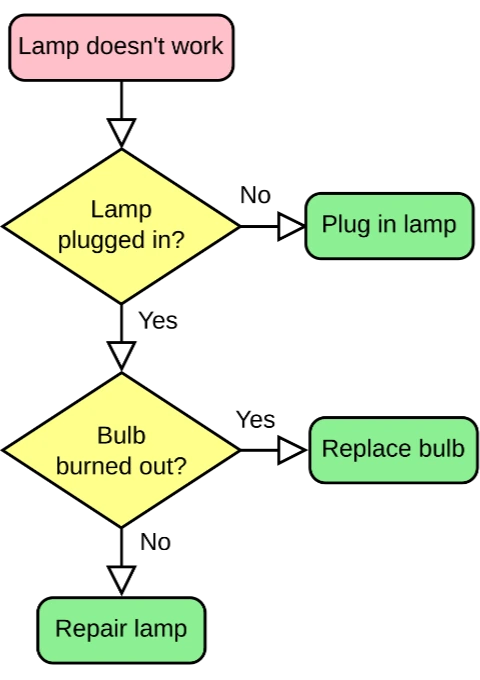
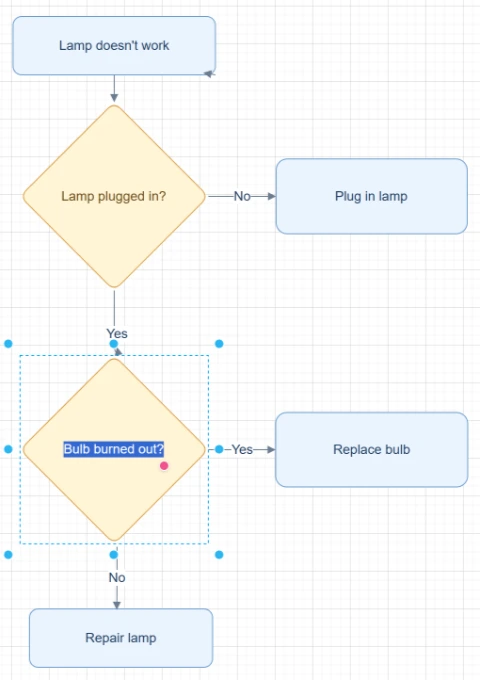
Convert diagram images, screenshots, and whiteboard photos into editable flowcharts, Draw.io diagrams, Mermaid code, or Excalidraw files.
Featured converters
Choose the editable output you need for a diagram image.
Image to Flowchart Converter
Upload a screenshot, whiteboard photo, or old flowchart image and rebuild it into an editable flowchart you can clean up, refine, and export.
Image to Draw.io Converter
Upload a PNG, JPG, screenshot, whiteboard photo, or exported diagram image and rebuild it as an editable Draw.io-compatible diagram.
Image to Mermaid Converter
Upload a flowchart screenshot or diagram image and convert the visible structure into editable Mermaid code you can review, refine, and use in documentation.
Image to Excalidraw Converter
Upload a sketch, whiteboard photo, screenshot, or flowchart image and let AI rebuild the visible structure into an editable Excalidraw-style diagram.
Image sources
Start with the image source you already have, including screenshots, whiteboards, hand-drawn diagrams, PNGs, and JPGs.
Screenshot to Flowchart Converter
Upload a screenshot of a workflow, app flow, slide process, process, or document diagram and rebuild it as an editable flowchart.
Whiteboard to Flowchart Converter
Upload a whiteboard photo from a meeting, workshop, brainstorming session, or process mapping session and turn it into an editable flowchart draft.
Hand-drawn Flowchart to Digital Converter
Upload a hand-drawn flowchart, paper sketch, notebook diagram, scan, or tablet drawing and turn it into an editable digital flowchart.
Screenshot to Draw.io Converter
Upload a diagram screenshot from docs, tickets, slides, websites, or product specs. ImageToEditable reconstructs the visible structure as an editable Draw.io-compatible draft.
PNG to Draw.io Converter
Upload a PNG diagram export, transparent PNG, high-resolution screenshot, or archived process map. ImageToEditable reconstructs the visible structure as an editable Draw.io-compatible draft.
JPG to Draw.io Converter
Upload a JPG or JPEG diagram image, email attachment, phone photo, or compressed screenshot. ImageToEditable reconstructs the visible structure as an editable Draw.io-compatible draft.
Start with a clear source file, then refine the editable result.
Upload an image, screenshot, whiteboard photo, PNG, or JPG and move into the canvas with the right converter context already selected.