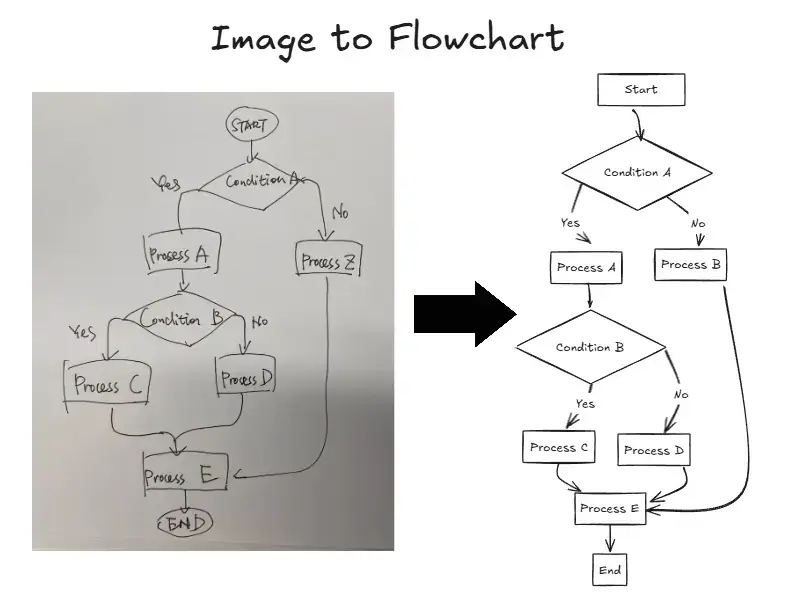
Image to Editable Diagram Converter

Upload a Diagram Image

Upload a Diagram Image

By uploading an image you agree to our Terms of Use and Privacy Policy.

JPGJPEGPNGSVGUp to 5 MB

Output Format

IMAGE TO EDITABLE DIAGRAM

Rebuild a Diagram Image as Editable Content

Upload a flowchart screenshot, PNG or JPG export, scan, or whiteboard photo. AI reconstructs visible labels, shapes, arrows, connectors, and approximate layout for Draw.io, Mermaid, or Excalidraw.

Rebuild a Diagram Image as Editable Content

More Than an Image Import

Get a new editable draft you can review, correct, rearrange, and export instead of tracing the source by hand.

Reconstructed Diagram Structure

Visible text, shapes, decisions, arrows, and connector direction are rebuilt as editable elements.

Three Editing Workflows

Choose Draw.io for structured editing, Mermaid for editable code and documentation, or Excalidraw for a sketch-style canvas.

Review, Refine, and Export

Correct labels, move shapes, adjust connectors, then export as a Draw.io, Mermaid, Excalidraw, PNG, or SVG file.

Image to Editable Diagram

How to Convert an Image into an Editable Diagram

Upload a diagram image, choose Draw.io, Mermaid, or Excalidraw, and rebuild it as an editable draft in four simple steps.

Turn a Flat Diagram Image into Editable Content

Use this image to editable diagram converter when a flowchart screenshot, exported PNG or JPG, or whiteboard photo is all you have. AI rebuilds visible labels, shapes, arrows, connectors, and layout so you can update the diagram instead of tracing it from scratch.

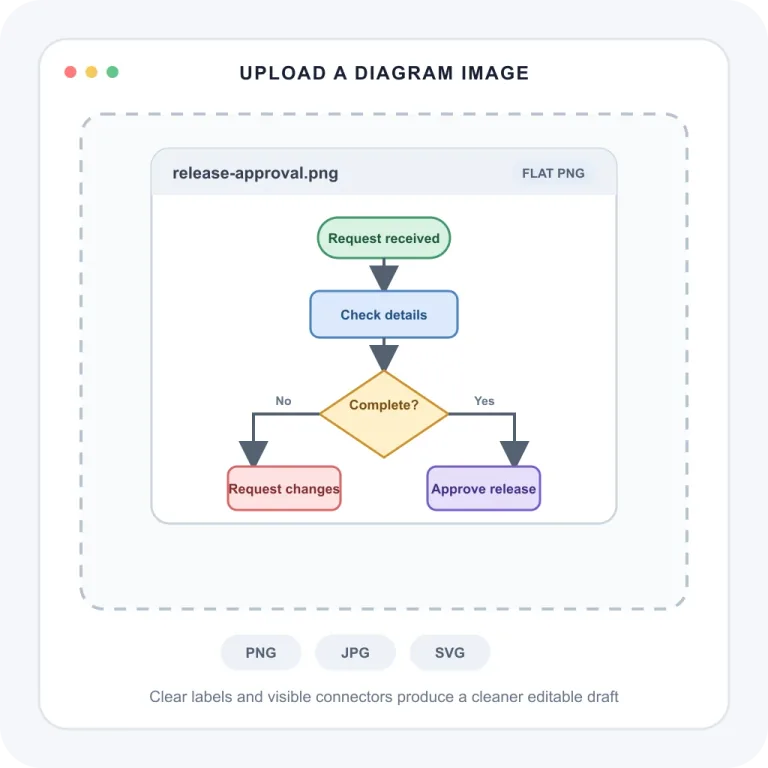
Upload a clear PNG, JPG, SVG, flowchart screenshot, or whiteboard photo. Keep labels, arrows, and connectors visible for a cleaner editable result.

Flowchart screenshot uploaded to the image to editable diagram converter

Best with clear, high-contrast images • Editable draft, not a flat image • Review before export

REAL-WORLD USE CASES

When image to editable saves the day

Lost the source file? Captured a whiteboard? Found a diagram in an old export? Rebuild the visible structure as an editable draft instead of starting over.

SOURCE FILE RECOVERY

Lost your Draw.io source file?

When the only copy left is a PNG or screenshot, upload it and rebuild the visible labels, shapes, and connectors as an editable diagram draft. Fix what changed, then export it for your Draw.io workflow.

  • Recover flowcharts and architecture diagrams
  • Update labels, branches, and connectors
  • Use the original layout as a practical starting point
Convert your image

Before

Static PNG export

After

Editable Draw.io draft
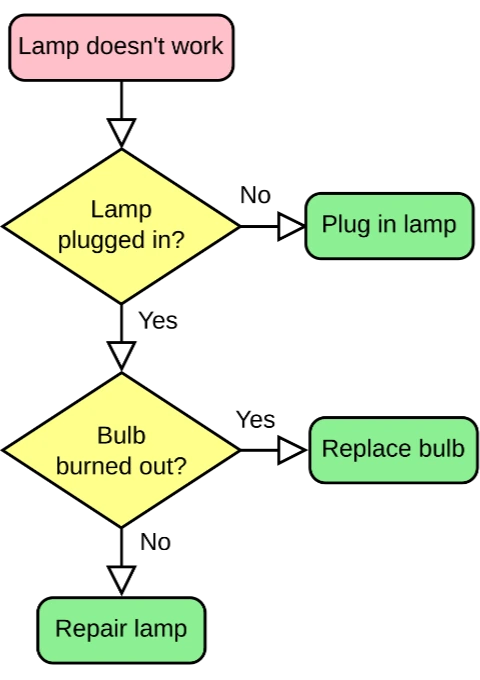
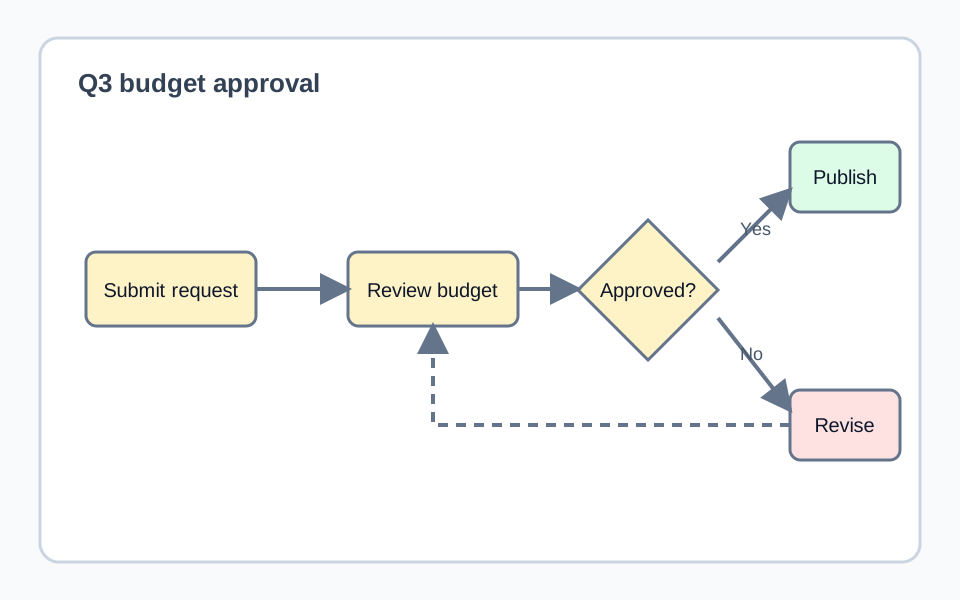
Static flowchart PNG before conversion
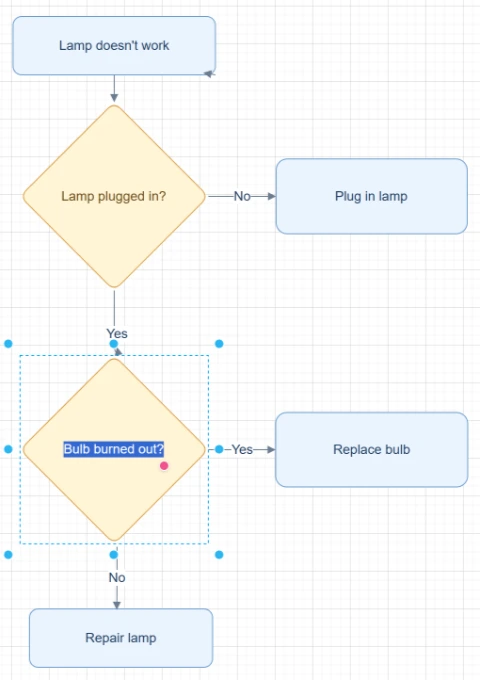
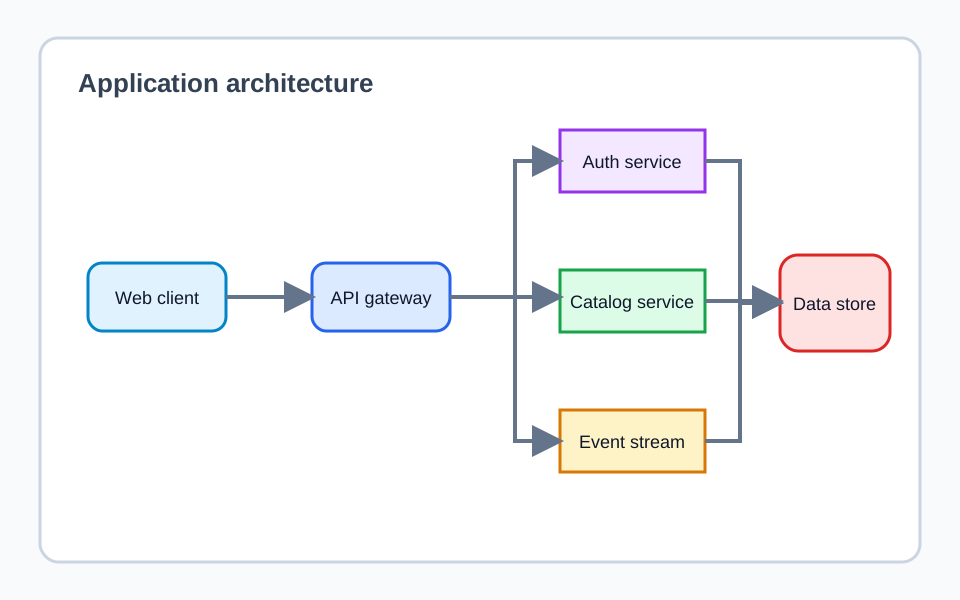
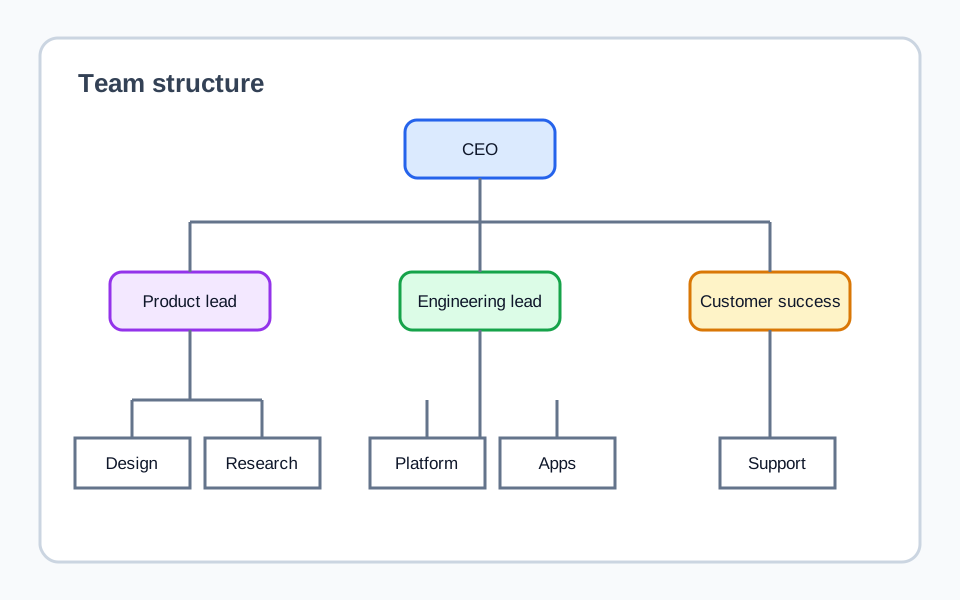
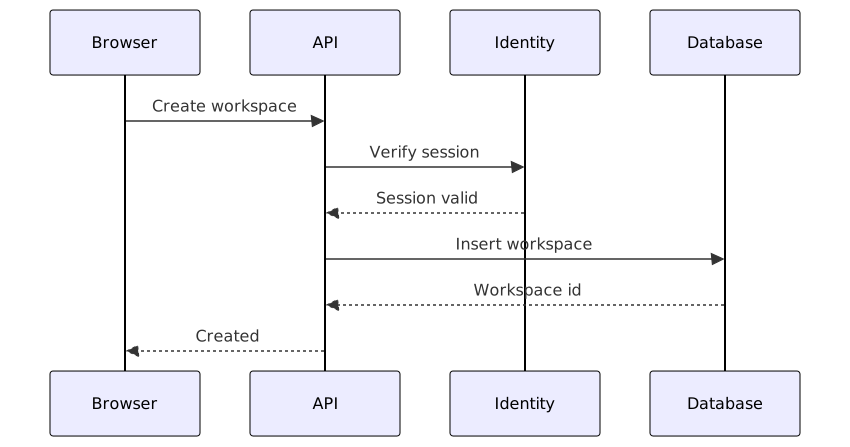
Editable Draw.io-compatible flowchart after conversion

Skip the manual redraw

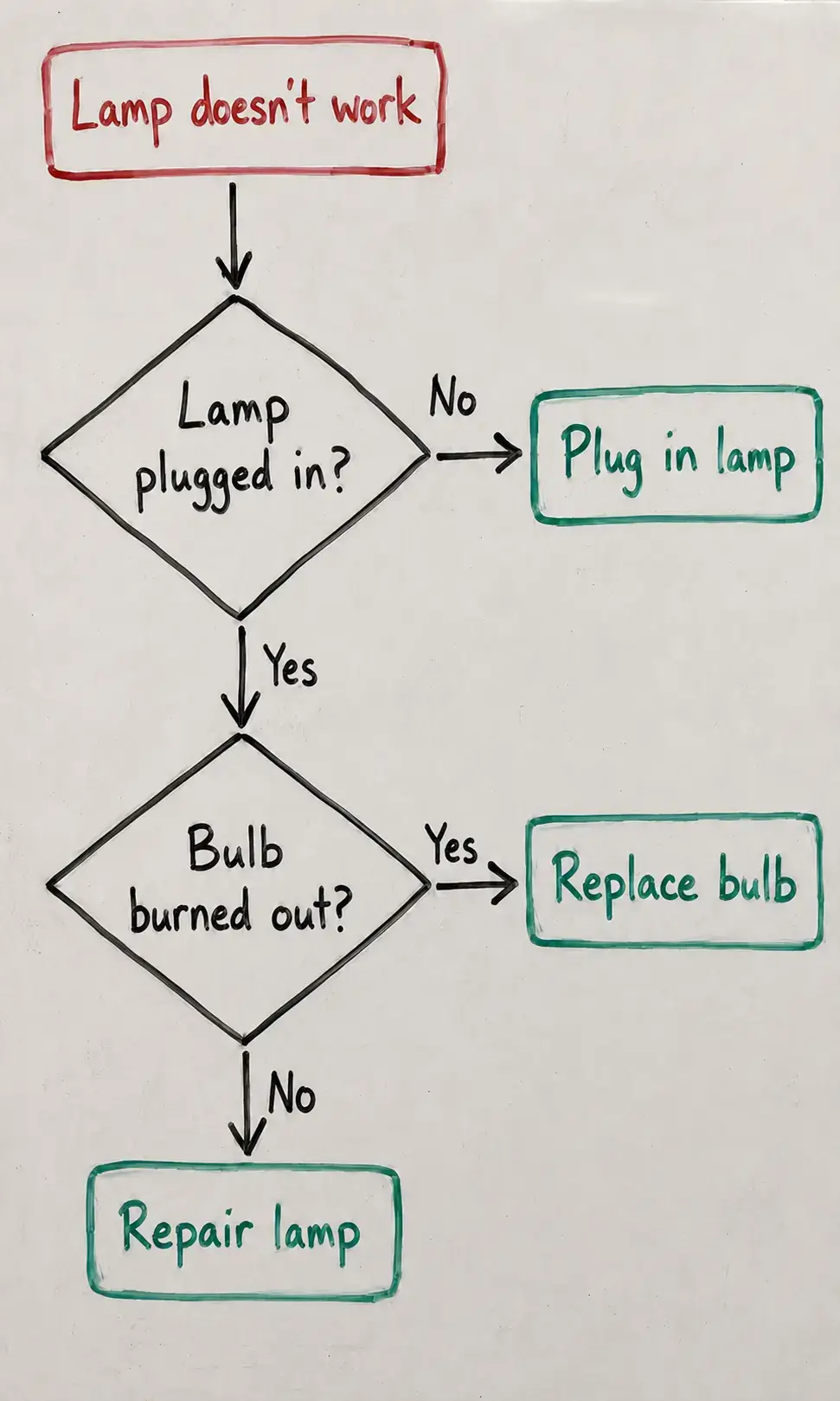
Whiteboard flowchart photo ready for conversion
01

Whiteboard ideas that need to live on

Photograph a meeting sketch and turn it into a clean editable draft before the board is erased.

Whiteboard photo → editable flowchart

Diagram screenshot ready for conversion
02

Adapt a diagram you can reuse

Use a diagram from your own docs, slides, or a source you have permission to adapt, then update the wording, structure, and style.

Screenshot → reusable draft

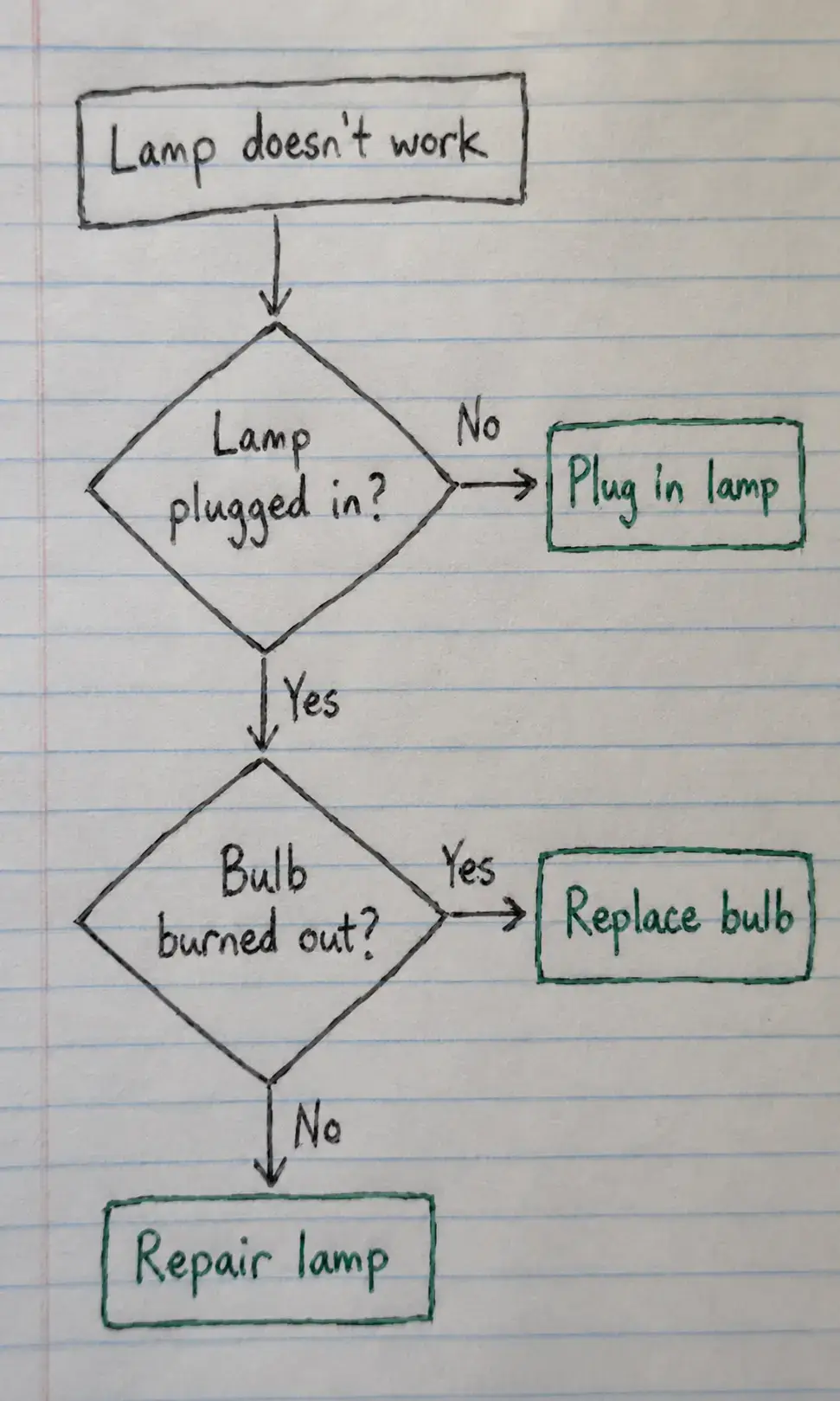
Archived diagram image ready for conversion
03

Modernize legacy diagram images

Rebuild old PNGs and scanned diagram images so your team can maintain them again.

Archived image → maintainable diagram

EDITABLE CONVERSION EXAMPLES

See the editable result before you upload

Each preview is the actual result exported from its editor. Open an example to edit it, reset it, or download the file.

IMAGE TO EDITABLE DIAGRAM

Frequently Asked Questions

Learn what you can upload, what AI rebuilds, which editable formats you can choose, and what to review before export.

Upload clear PNG, JPG, or SVG files, including flowchart screenshots, exported diagrams, scans, and whiteboard photos. Results are cleaner when labels, arrows, and connectors are easy to read.

Ready to Make Your Diagram Editable?

Upload a diagram image, choose an editable output, then review and refine the draft before export.

No signup required
No credit card needed
Review before export